Connect existing RS485 farm instruments to a remote data service
Keep the installed instrument where it fits, then match its documented data and the receiving service to a suitable gateway.
What has to agree before a register becomes a usable reading?
| Choice | What to compare | What to check |
|---|---|---|
| Electrical connection | RS485 wiring and an approved connection point | Qualified site work, supported bus arrangement and device ratings |
| Instrument settings | Address, baud rate, parity and supported polling | Use the installed instrument’s documents and agreed settings |
| Data mapping | Register, type, byte order, scale and unit | Compare the decoded value with the local instrument |
| Remote delivery | Field identity, observation time and receiving interface | Agree authentication, update interval and missing-data handling |
Example: check a decoded reading against the instrument
| Record | Example value | What stays with the reading |
|---|---|---|
| Instrument definition | Temperature value with an illustrative scale of 0.1 °C | Use the actual register, data type, byte order and scale from its document |
| Received value | Example raw value: 235 | Preserve the point identity and original reading time |
| Decoded value | 235 × 0.1 = 23.5 °C | Compare with the local instrument under the agreed check |
| Receiving record | Named field point, 23.5, °C, observation time | The platform must use the same unit and definition |
Useful for this connection
Use the RS485 gateway selection guide
Review serial instruments, uplink options and the required destination.
Find a missing or wrong reading
Trace settings, mapping and platform interpretation.
What to send
Meter readings and the system that will receive them.
Whether 4G, Ethernet or an existing radio is acceptable at that cabinet.
Related equipment
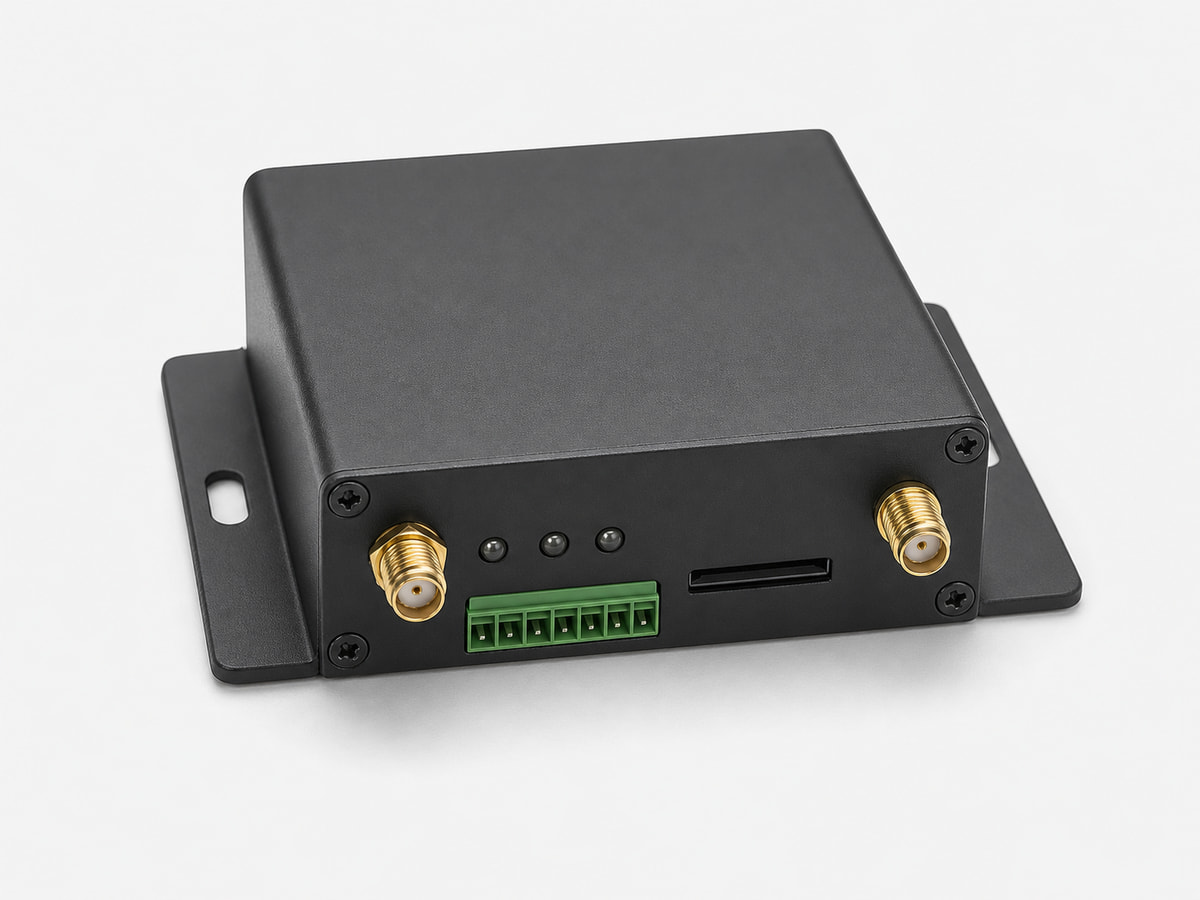
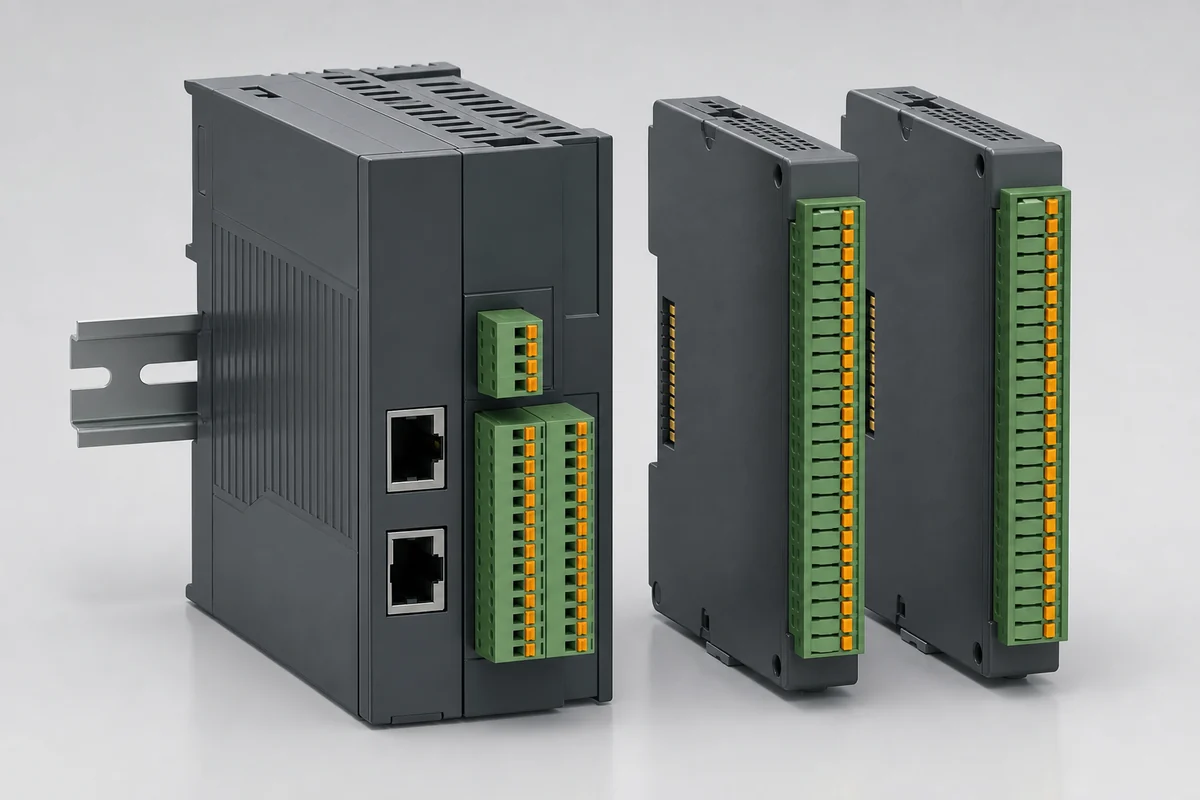
Representative product-family images. Confirm interfaces and accessories for the ordered model.