Connect field readings to your MQTT broker or data platform
Agree the message fields and outage handling with the receiving service before configuring the field equipment.
Agree what happens to a reading from measurement to acknowledgement
| Choice | What to compare | What to check |
|---|---|---|
| Measure | Point identity, value, unit and original observation time | Keep observation time separate from upload time |
| Store and reconnect | Supported retention and retry behaviour | Confirm device and service behaviour through the agreed outage test |
| Deliver | Broker address, authentication, topic and payload | Check the actual interface supported by both ends |
| Receive | Acknowledgement, duplicate handling and missing-data rules | Name the owner of data, alarms and account access |
Example reading fields for a receiving service
| Record | Example value | What stays with the reading |
|---|---|---|
| device_id | field-point-01 | The documented device-to-site mapping |
| measurement | water_level | Definition and unit agreed for this point |
| observed_at | Original observation time | A recorded time zone and unchanged time during delayed upload |
| quality | fresh, missing or another agreed status | Use the receiving service’s actual vocabulary and rules |
Useful for this connection
Check MQTT outage handling
Review stored records, original timestamps and duplicate handling.
Agree the platform handover
Keep account ownership, exports and service responsibilities usable.
What to send
Broker or SCADA type, if known, and how often operators need updated readings.
Start with the destination system and site details. We confirm MQTT delivery, storage and retry settings during the technical review.
Related equipment
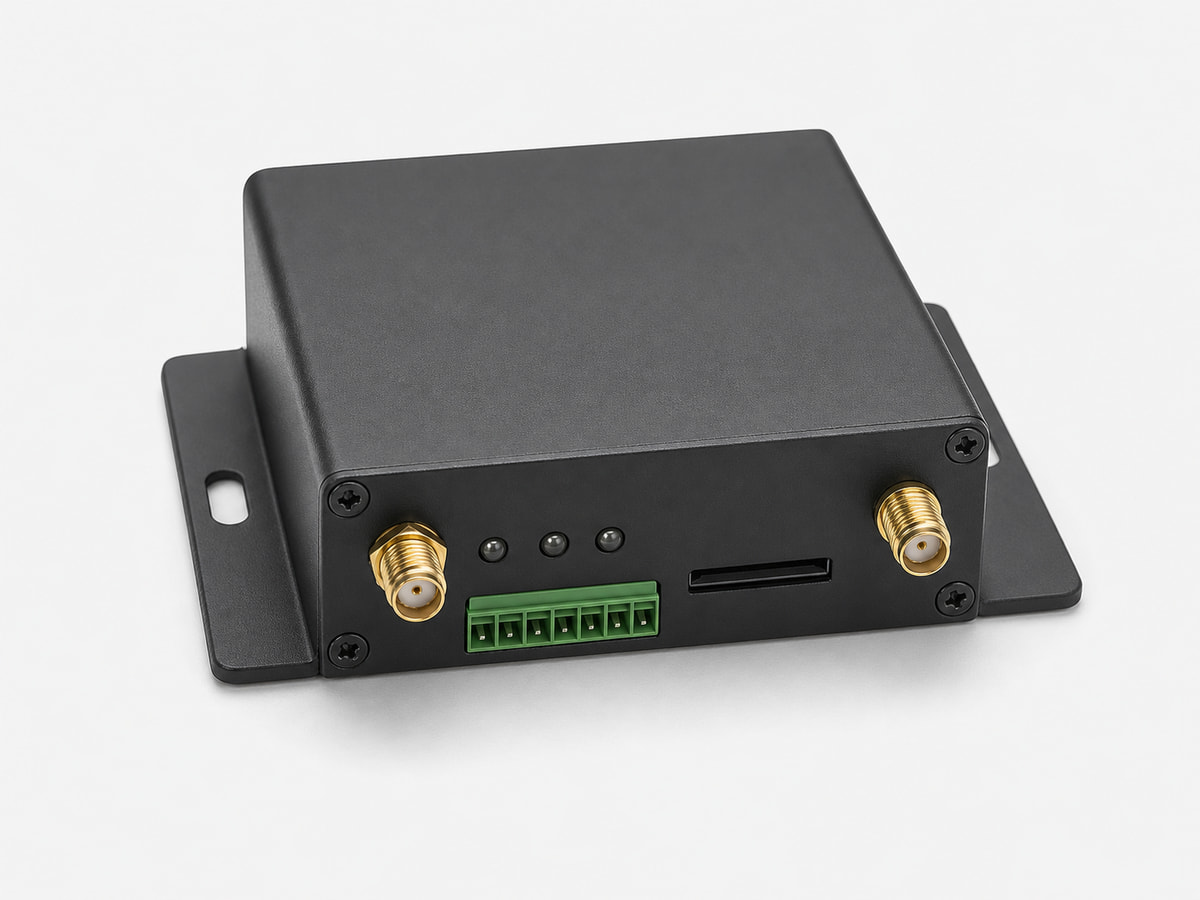
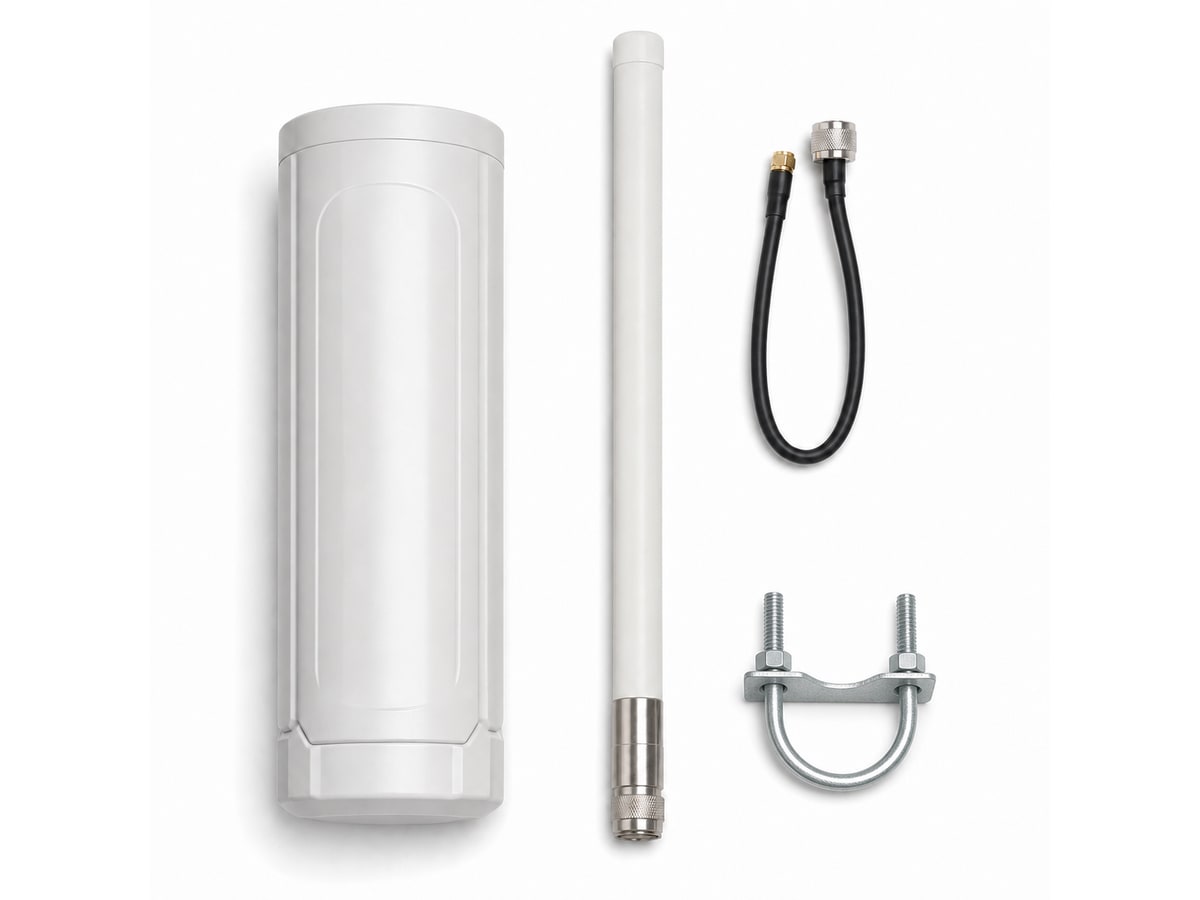
Representative product-family images. Confirm interfaces and accessories for the ordered model.